

Updated 9 September 2026.
What this website does
This is an information and preparation website. It has no user accounts, does not process payments and does not send requests to the SACCO.
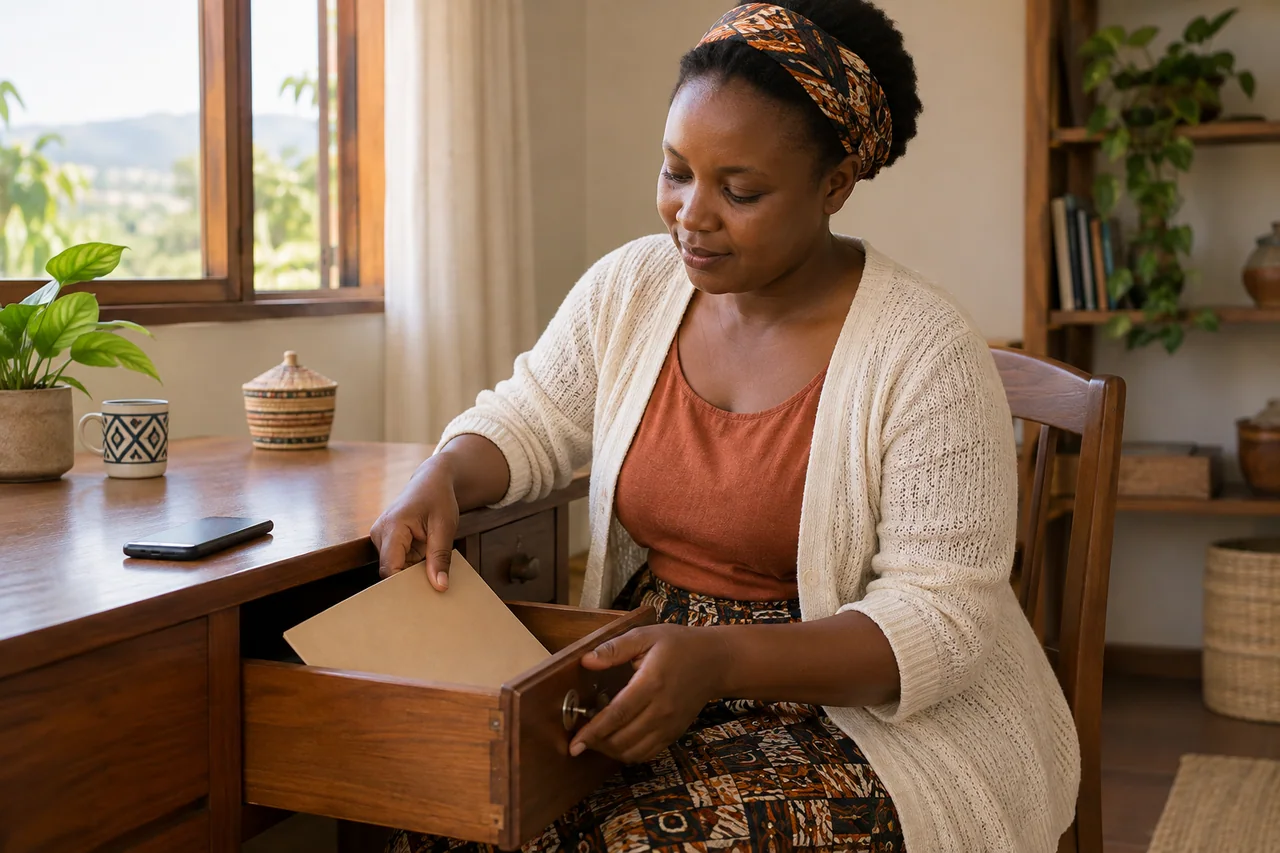
Take care on a shared device.
Avoid saving your request on a shared device. If you downloaded it, check where the copy was saved; deleting a browser draft does not remove files or email copies.
Manage your saved draftWhat you enter
You can enter a name, email or telephone, request category and message. Do not include confidential account information or identity documents.
Saving on this device
A draft is saved only when you select the save-on-device option. It stays in browser storage until you delete it, start another draft or clear browser data. Delete it from the request page. Do not save drafts on a shared device.
Email and downloaded drafts
When you open a draft in email, the details are passed to your selected email application. You decide whether to send. Downloads go to your browser’s download location. Deleting a browser draft does not delete downloaded copies or email.
Visits and external websites
This site has no advertising trackers or marketing cookies. The web server may keep standard access logs. BNR links and your email application are subject to those services’ own practices.
Questions about personal information
For information sent to the SACCO by email, use its verified address to ask about retention, correction or deletion.
agacirosaccomuhanga@gmail.com